Logo
  • How It Works
  • Features
  • Tools

Save Any Social Video in One Click

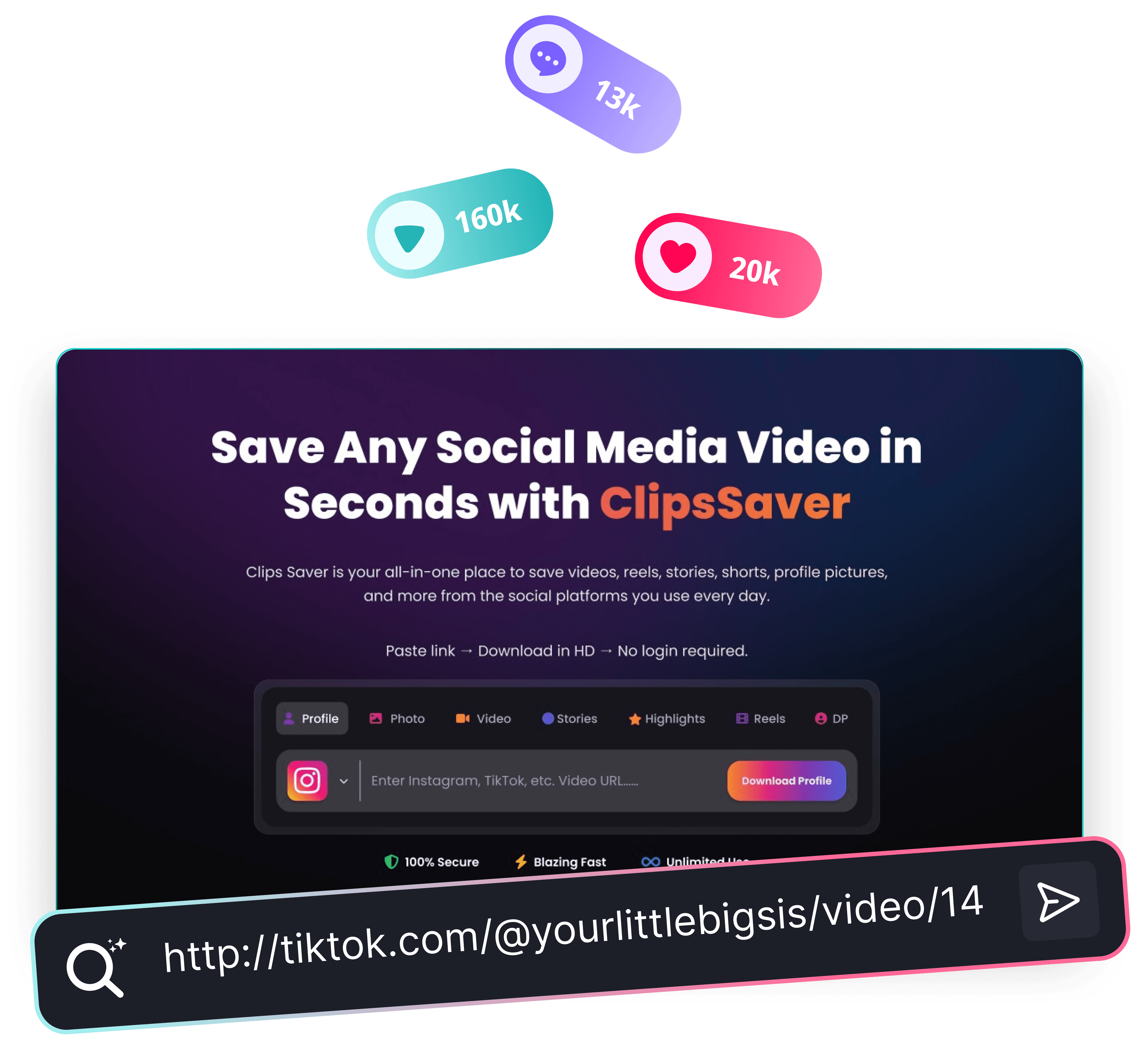
ClipsSaver is an all-in-one social media video downloader that lets you save Reels, stories, Shorts, clips and more from the platforms you use every day.

Paste link → Download in HD → No login required.

ProfileProfile
PhotoPhoto
VideoVideo
StoriesStories
ReelsReels
HighlightHighlight
PFPPFP

What Is ClipsSaver?

ClipsSaver is a browser-based social media video downloader that helps you save public videos, Reels, stories and Shorts from platforms like Instagram, TikTok, YouTube and Facebook for personal offline viewing. Instead of using different sites or apps for each platform, you get one simple interface where you can:

  • Download Instagram Reels, stories and feed videos
  • Save TikTok clips
  • Grab YouTube Shorts and selected videos
  • Save Facebook videos and reels
  • Use other supported platforms as they’re added over time
Viralscript illustration

All-in-One Social Media Downloader

This downloader is built to keep things fast, simple and clean:

Quality

Multiple Platforms in one Place

Paste links from Instagram, TikTok, YouTube, Facebook and more as support grows.

Watermark

Browser based, no login

Use ClipsSaver directly in your browser. You don’t need a ClipsSaver account or social media login.

posts

Original Quality where Possible

Wherever the platform allows, ClipsSaver aims to keep the original quality so you can rewatch clips in crisp HD, use them on bigger screens, or review them later.

posts

Your Files Stay With You

Downloads are saved to your own device. You stay in control of what you keep, how long you store it, and how you organize it.

How ClipsSaver Works

Using ClipsSaver should feel almost as familiar as opening your favorite social app.

Step 1

Copy the link

  • Open Instagram, TikTok, YouTube, Facebook, or another supported platform.
  • Go to the video, Reel, Short, story or post you want to save.
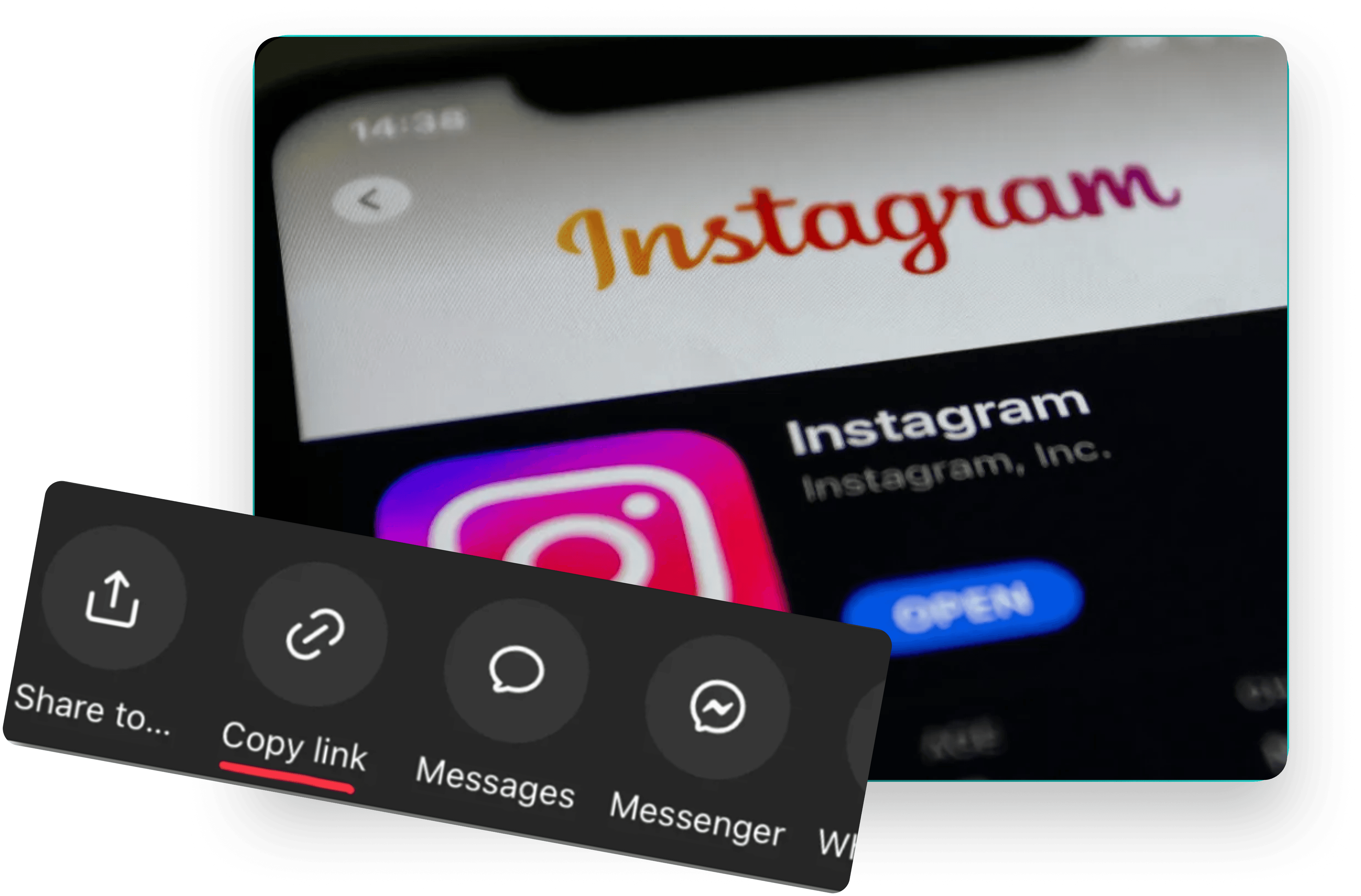
  • Use the share option to copy the link / URL.
copy
paste
Step 2

Paste into ClipsSaver

  • Open ClipsSaver in your browser.
  • Paste the copied link into the main download box on the homepage.
Step 3

Download to your device

  • Click the Download button..
  • Once the video is processed, save the file to your phone, tablet or computer.
  • Organize it in your own folders and rewatch anytime even when you’re offline.
download

Powerful Features

Everything you need to download Instagram content

Add free

Secure & Private

Your downloads stay anonymous – we don't track or store any data.

high quality

No Login Required

Start downloading instantly with no sign-up or password.

fast processing

HD Quality Downloads

Save every photo and video in original HD quality

Easy to use

No Watermarks

Clean, watermark-free downloads with no extra branding.

multi formation

Super-Fast Downloads

1-click download flow with lightning-fast speed

secure

Unlimited Downloads

No limits. Download as much content as you want, anytime.

Easy to use

Multi-Platform Support

Works smoothly on mobile & desktop across all major browsers.

multi formation

All Content Types Supported

Download reels, stories, posts, carousels, and multiple posts in one go.

secure

Free & Trusted by Creators

Completely free to use and trusted by creators worldwide.

Who ClipsSaver Is For

ClipsSaver is built for anyone who wants to save and organize social content without juggling multiple tools.

Creators & Influencers

  • Save hooks, edits and trends for inspiration.
  • Build a private swipe file of content ideas.
copy
paste

Social Media Managers & Agencies

  • Keep winning ad creatives as references.
  • Collect examples to share with clients and teams.

Brands & Businesses

  • Save your own campaign content for backup.
  • Review competitors’ public content for research and strategy.
download
download

Educators & Learners

  • Download tutorials and explainers for offline learning.
  • Keep important videos handy for presentations or lessons.

Everyday Viewers

  • Save funny, useful or motivational videos you don’t want to lose.
  • Keep your favorite clips organized in your own storage, not just in an app feed.
copycopy
Instagram Logo

Who ClipsSaver Is For

ClipsSaver is built for anyone who wants to save and organize social content without juggling multiple tools.

Yes, ClipsSaver's main downloading features are free to use. You can paste supported links and download files without creating an account or paying a subscription. If advanced or high-volume features are added in the future, everyday usage will still stay simple and accessible.

No. Your downloads are saved on your own device, not on ClipsSaver. The tool processes the URLs you provide, generates a downloadable file for you, and that's it. It doesn't create a public gallery or share a list of what you download.

Yes, ClipsSaver is mobile-friendly. You can: Copy a link from the social media app on your phone Switch to your preferred browser Paste the link into ClipsSaver Download the file to your device storage or camera roll That way, you can keep your favorite clips handy even when you're away from a desktop.

ClipsSaver supports popular social video links (like Reels/Shorts/clips). If a link isn't supported yet, you can request it and we'll prioritize it.

Not usually. Live streams and DRM-protected content often can't be downloaded due to platform restrictions.

No, you don't need to sign up or log in. ClipsSaver does not require: A ClipsSaver account Logging in with Instagram, TikTok, YouTube or Facebook Just open the site, paste your link into the download box, and click Download.

Downloading social media videos is usually only allowed when you own the content or have permission to use it. Legality can depend on: Your country's laws Each platform's terms of service Whether you own the content or have explicit permission As a general guideline, it's safest to: Download content you created yourself Or content where the owner clearly allows personal download and offline use If you plan to reuse content publicly (for example, reposting, using in ads, or using in your own projects), always respect copyrights, check the platform's rules, and request permission when needed.

If you want to: Save the clips that actually inspire you Build a private library of ideas and references Rewatch educational content in your own time Keep your own social content backed up and organized …then this downloader is built for you. Paste your first link into the download box, click Download, and see how easy it is to save social media videos in seconds — from Reels and stories to Shorts and profile media — all on your terms and for personal offline viewing.

ClipsSaver downloads the best available quality provided by the source link. If HD exists for that post, you'll get HD.

ClipsSaver focuses on downloading the video as provided by the platform. Watermark removal can violate creator rights and platform policies.

Ready to Download Instagram Content?

Use ClipsSaver to save Instagram photos, videos, and stories from public posts quickly, download them as normal files, and keep your library organized—responsibly.

Start Downloading
Logo

Clips Savers

Your all-in-one smart video tool. Download, save, and convert clips instantly with fast, AI-powered technology.

  • Company
  • Blogs
  • Contact Us
  • Features
  • FAQ
  • Legal
  • Terms of Service
  • Privacy Policy
  • Cookie Policy
  • Disclaimer
  • Tools
  • Instagram
  • Tiktok
  • Facebook
  • Youtube

© 2025 Clipssaver. All rights reserved.